Hi everyone,
I need some assistance with deploying the MediaSoup demo on an AWS EC2 instance.
I’ve successfully deployed the demo on an EC2 instance with 15 GB of RAM. I also updated the announcedIp to match the instance’s Elastic Public IP. However, when users join, neither audio nor video works.
Could someone please share the recommended server requirements (CPU, network, ports, etc.) for running the MediaSoup demo effectively? Also, any tips for troubleshooting this kind of issue would be greatly appreciated.
Thank you!
Likely Cause: Security Group (Firewall) Misconfiguration
MediaSoup requires certain UDP and TCP ports to be open to function properly. If these are not allowed in your EC2 instance’s Security Group (inbound rules), users won’t be able to send/receive media — exactly the issue you’re experiencing (no audio/video).
Here are my ports opened, still video and audio doesn’t transfer between users on the call
@miroslavpejic85
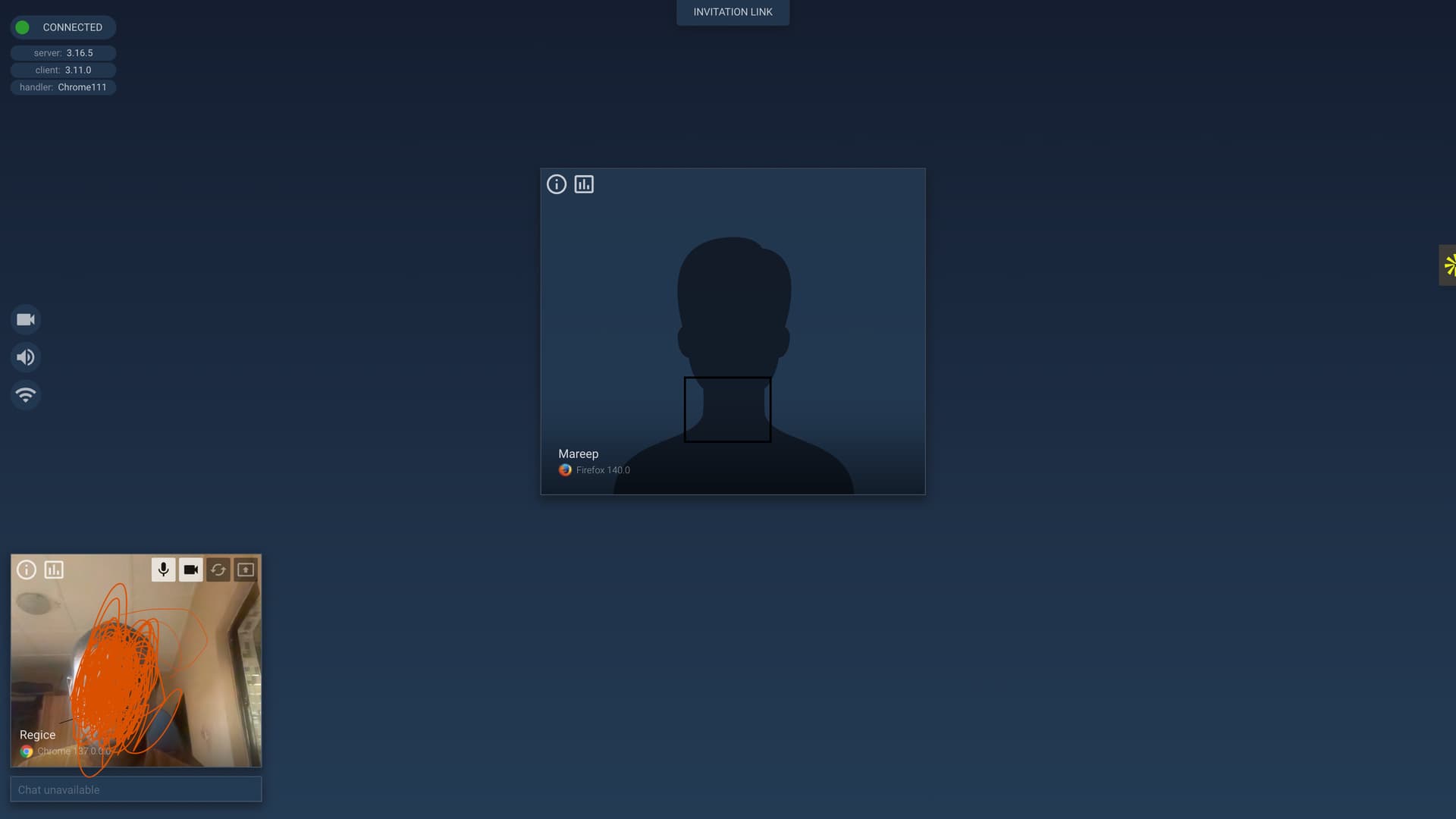
It shows two people are on call, but I can’t see the other person and the other person can’t see me too.
I deployed using nginx, and pm2 to run the app in background.
Frontend are backend are running on different ports.
Update the mediasoup client to the latest version, as I noticed the server is up to date but the client isn’t. Also, check the browser console and server logs for any relevant errors or warnings that might help identify the issue. Check out this as well
“mediasoup-client”: “^3.12.2”,
“mediasoup”: “^3.16.5”,
These are
the versions I’m using with console log
From the logs, I see the following:
- WebSocket Connection Error:
WebSocket connection to 'ws://localhost:8098/' failed
inject.bundle.js:71
This usually indicates that the port (8098) is not open or not allowed through the firewall or inbound rules.
Make sure port 8098 is:
- Open and listening on the server
- Allowed in your cloud provider’s security group…
- Media Playback Error:
mediasoup-demo:WARN: PeerView audioElem.play() failed:
PeerView.jsx:551
AbortError: The play() request was interrupted by a new load
This error typically occurs due to browser autoplay policies.
Ensure that autoplay is allowed in your browser settings for the domain running the mediasoup demo. Some browsers block media playback unless the user has interacted with the page.