Mitsi – Mediasoup Example Project: An Open-Source Video Conferencing Built on Mediasoup
Hey everyone,
I wanted to share a project I’ve been working on for the past few months: Mitsi, an open-source video conferencing platform powered heavily by Mediasoup.
I built Mitsi to work with Mediasoup in depth and to create a clean, simple starting point for anyone looking to build a WebRTC/Mediasoup application. If you’re exploring Mediasoup or planning to build something similar, the codebase might be a helpful reference.
Tech Stack
React – web client
Mediasoup Client – WebRTC frontend
Mediasoup SFU – media routing
SocketIO – signaling between the web client and signaling service
gRPC – communication between the signaling service and media service
Nodejs – backend services
Redis – state sharing, caching, pub/sub
Docker - application containerization
Umami – analytics platform
Prometheus + Grafana – metrics and monitoring
Architecture Overview
React Web Client
     ↓ (Socket.IO)
Signaling Service
     ↓ (gRPC)
Media Service (Mediasoup SFU)
     ↓ (WebRTC Transports)
React Web Client
Really appreciate the clean UI, it looks great. I haven’t had the chance to dive deep into the codebase yet, but from what I’ve seen so far it looks very well structured and promising.
Quick question: is the live demo currently limited to 2 participants per room? I couldn’t join with more than two users, so just wanted to confirm. Also noticed a few buttons that don’t seem to trigger any actions yet, not sure if they’re still under development.
I’m also open to collaborating with anyone working on Mediasoup-based projects. If you’re building something or need help, feel free to reach out.
If you have pleasure, feel free to check out our WebRTC projects. MiroTalk SFU is also based on mediasoup:
No, several participants can join. However you will be disconnected from your previous session if you are joining same room multiple times via another tab in same browser window.
Also, our latest deployment includes fixes for those buttons you noticed.
You’re welcome, I really like the project! It’s been genuinely inspiring and has motivated me to improve my own project as well. Keep up the awesome work
I’d like to share a few small suggestions and possible improvements I noticed while using the app. I hope these are helpful:
Home page
Menu bar: Clicking on Documentation, Projects, or Community doesn’t seem to trigger any action.
Footer: The links for Documentation, API, and Support also appear to be inactive.
Before joining a room
The selected microphone and camera devices, as well as their enabled/disabled state, are not preserved.
Each time a room is joined, the microphone and camera start disabled, and the first device in the list is selected by default.
It would be great if the app could remember the user’s last selected devices and their on/off state.
Room experience
When new microphone or camera devices are connected or removed, the device selection lists don’t refresh automatically.
The emoji (smile) icon in the chat doesn’t respond when clicked.
In the participants list, the settings button (three dots) doesn’t seem to open any options when clicked.
To: Everyone” appears before the chat footer. It’s unclear whether this should always remain as is, or if the intention was to allow selecting individual participants to chat with.
The same participant name can be used by multiple users.
Documentation
It would be really nice to have:
A clear quick-start guide for running everything locally on a PC for beginners.
Documentation for self-hosting, especially examples using Docker or PM2.
Overall, this is a fantastic project, and I truly appreciate the effort you’ve put into it. Thanks again for sharing it with the community, and best of luck moving forward!
Wooow, this is so detailed .
Thank you so much for this detailed feedback and recommendation.
Thank you for the time you put into it .
I am going to follow through and make the fixes.
 Live Demo: https://mitsi.app
 GitHub Repo: https://github.com/softhon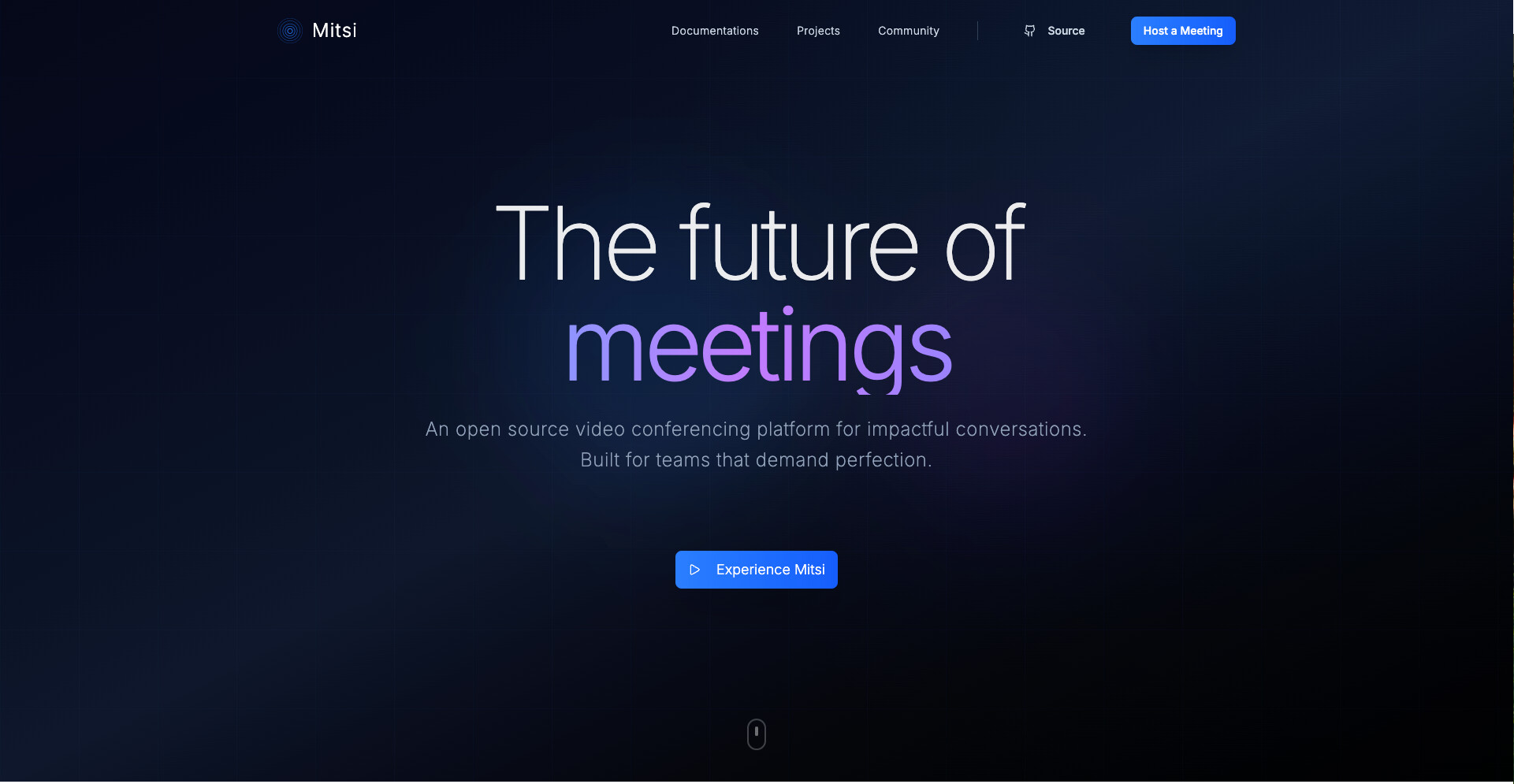
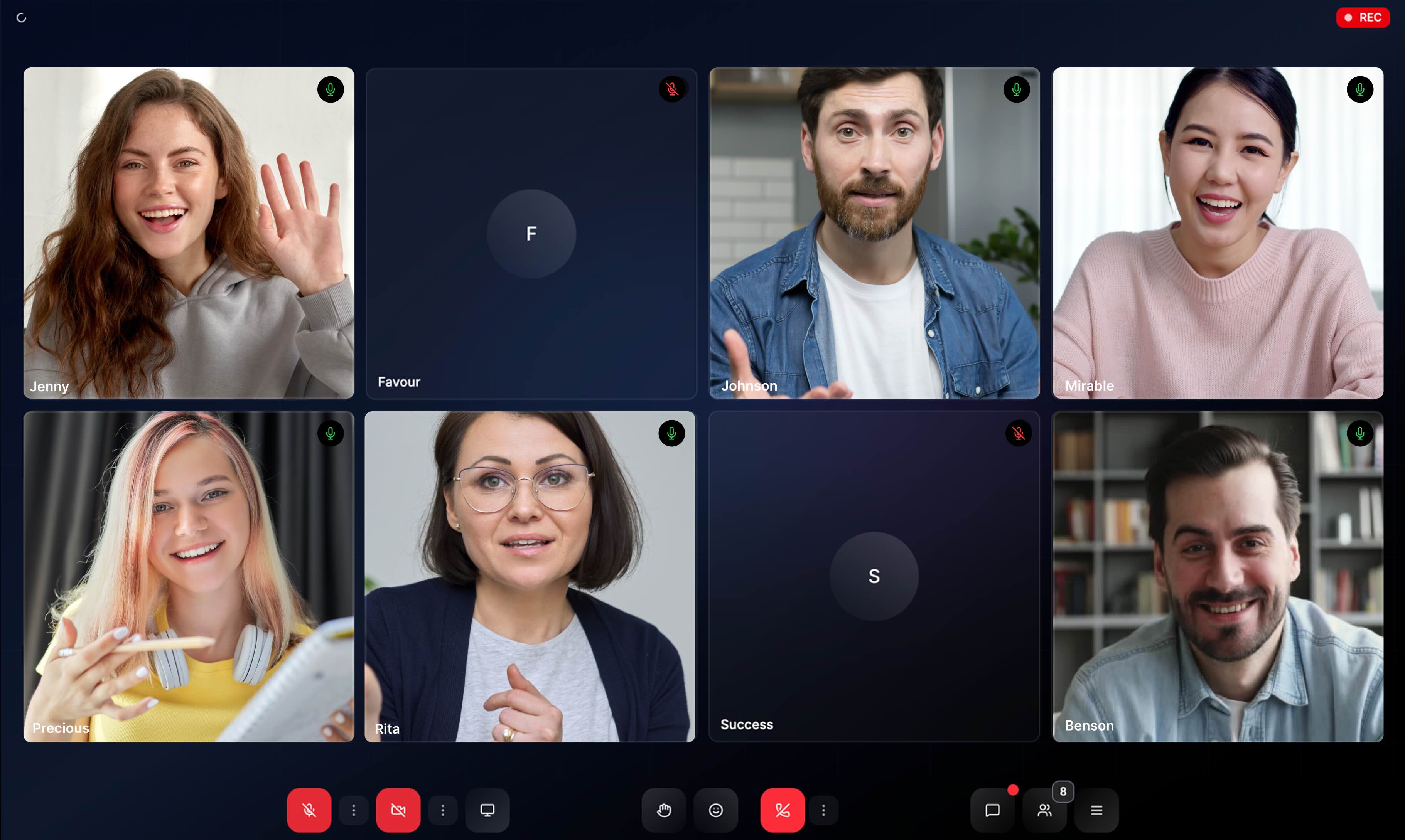


 on the mitsi-web repo


 .
.